
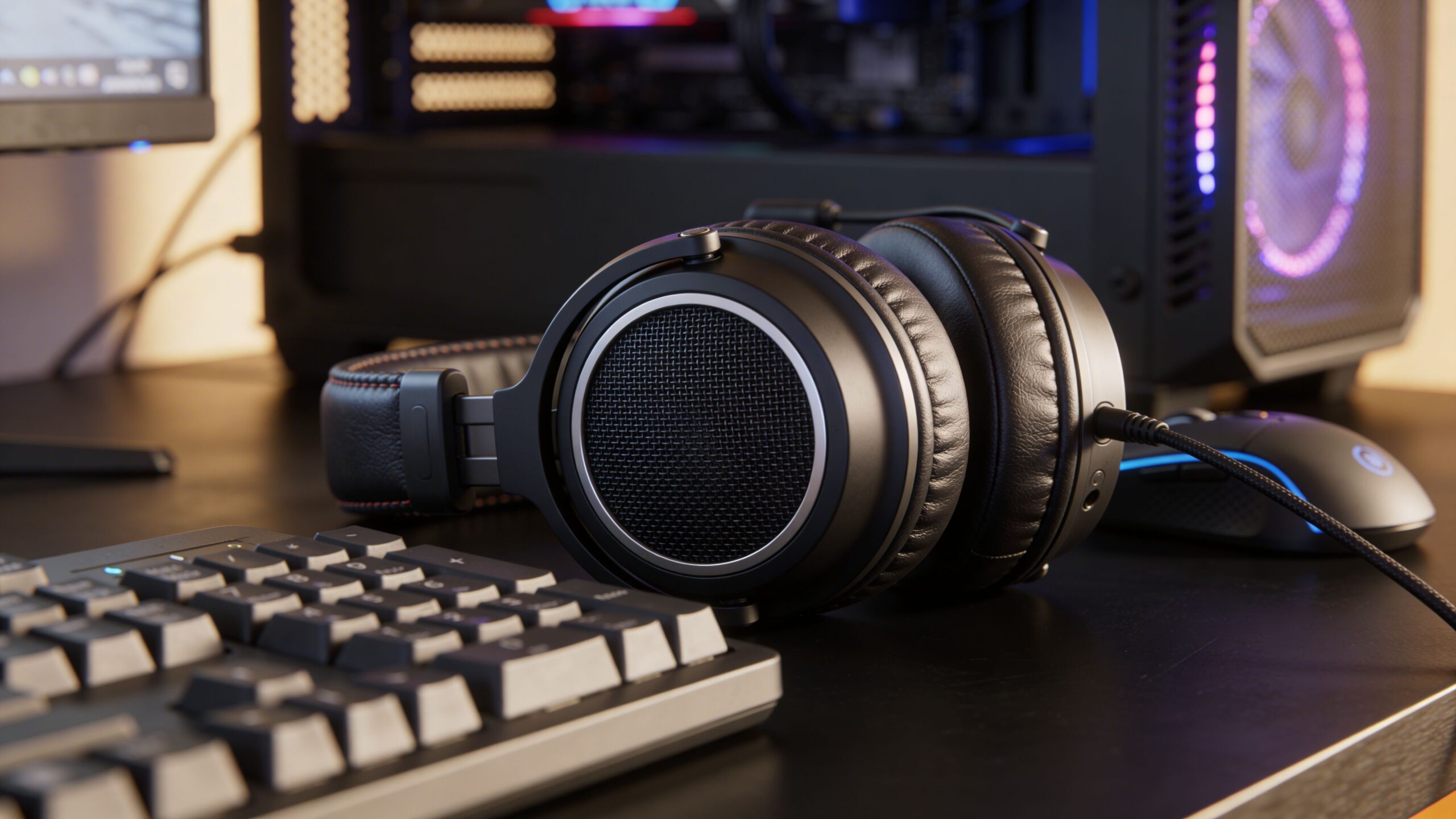
You’re probably shopping for a new headset for one of three reasons. Your current one sounds muddy in shooters, your mic turns every call into damage control, or your ears start begging for mercy halfway through a long session.
That last problem gets ignored far too often. A headset can sound excellent for the first hour and still be the wrong buy if you use your PC for ranked matches, Discord, work calls, and late-night single-player sessions. The best gaming headset for pc isn’t just the one with the flashiest driver spec. It’s the one that still feels right after days of use, still clamps evenly after repeated wear, and still gives you clean directional information when your match gets chaotic.
Table of Contents
- Finding Your Edge in a World of Sound
- Our Top PC Gaming Headsets for 2026 at a Glance
- How We Test PC Gaming Headsets for Our Verdict
- The Core Features That Define a Great PC Headset
- Detailed Reviews of the Best PC Gaming Headsets
- Which Gaming Headset Is Right for Your Needs
Finding Your Edge in a World of Sound
In a tactical shooter, a match can swing on one tiny cue. A soft reload behind cover. A distant footstep on wood instead of concrete. A callout that lands clearly the first time.
That’s why headset reviews that stop at “good bass” or “comfortable fit” usually miss the point. PC players ask more from a headset than almost any other audience. It has to handle positional audio, voice chat, desktop use, streaming, and often a second life as your work headset. If it fails at any one of those jobs, you notice quickly.
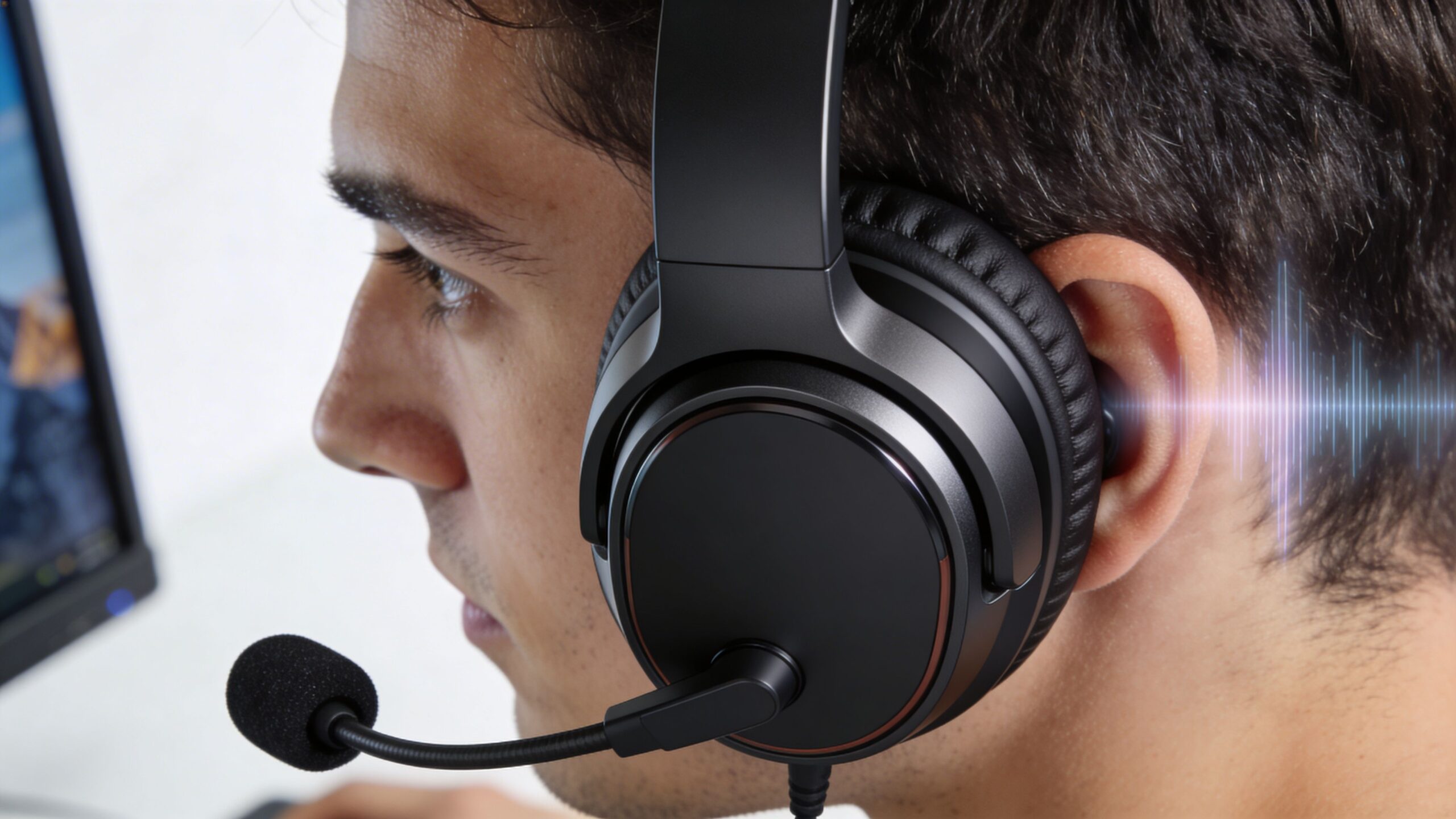
The hard part is that spec sheets don’t tell you how a headset behaves after a long week. They don’t tell you whether the ear pads trap heat, whether the mic cuts through fan noise, or whether the tuning pushes footsteps forward without making everything else thin and harsh. That’s where hands-on testing matters more than marketing.
I approach the best gaming headset for pc the same way I’d judge any serious peripheral. First, can it help you play better. Second, can you wear it longer than you planned to. Third, does it stay useful outside games.
A great gaming headset disappears on your head and becomes obvious only when it helps you hear something everyone else missed.
If you follow broader hardware coverage in the technology section, you’ll know the same rule applies across PC gear. The best products aren’t the loudest advertised. They’re the ones that hold up in daily use.
Our Top PC Gaming Headsets for 2026 at a Glance
Some headsets win on raw competitive utility. Others win on comfort, battery flexibility, or all-around balance. The quickest way to narrow the field is to match the headset to how you use your PC.
The short list below reflects real trade-offs, not fantasy “perfect” picks. One headset may have the stronger mic. Another may be easier to wear all day. A third may sound richer for story-driven games but feel less agile in ranked shooters. That’s normal.
2026 PC Gaming Headset Recommendations
| Headset | Best For | Connectivity | Key Feature | Price Tier |
|---|---|---|---|---|
| Razer BlackShark V2 Pro | Competitive PC gaming and voice comms | 2.4GHz wireless | Class-leading headset mic and sharp positional tuning | Premium |
| SteelSeries Arctis Nova Elite | Long sessions and hybrid PC use | Bluetooth + 2.4GHz wireless | Comfort-focused design with hot-swappable batteries | Premium |
| Audeze Maxwell 2 | Detail-rich audio and immersive listening | Wireless and wired options | Planar magnetic sound with audiophile leanings | Premium |
| Razer BlackShark V3 | Low-latency wired play | Wired USB | Wired focus with esports-friendly response | Mid-range |
| HyperX Cloud Alpha | Straightforward wired value | Wired | Familiar fit and dependable everyday use | Mid-range |
The theme here is simple. If you care most about comms and competitive focus, Razer stands out. If your headset stays on your head for gaming, meetings, and media, SteelSeries makes a stronger comfort case. If you chase texture and detail above all, Audeze becomes tempting, though not without compromise.
That split is why “best overall” and “best for you” often aren’t the same answer.
For readers who track broader product verdicts across peripherals, laptops, and accessories, the review archive is a useful companion. Buying a headset in isolation can lead to bad decisions if the rest of your setup has different priorities.
How We Test PC Gaming Headsets for Our Verdict
A headset that feels good for one evening can become irritating by the end of the week. That gap between first impression and long-term use is where many buying guides fall apart.
I put more weight on extended wear than most roundup-style reviews. The reason is simple. People don’t buy a gaming headset only for a quick burst of play. They use it for repeated sessions, back-to-back matches, work calls, videos, and idle desktop audio. If clamp pressure shifts, ear pads heat up, or the headband creates a hot spot, you’ll feel it long before you care about another line on the spec sheet.
The long-session test
My process centers on 72-hour wear testing spread across mixed use. That includes game sessions, voice chat, background music, and productivity tasks. I’m not trying to simulate a lab. I’m trying to simulate ownership.
I pay attention to four things:
- Clamp behavior over time. Some headsets feel secure at first, then become fatiguing once the side pressure starts stacking up.
- Heat and moisture buildup. Pad material matters. Pleather can feel plush early and stuffy later.
- Weight distribution. A heavier headset isn’t automatically bad. Poor balance is usually worse than total mass.
- Pad and hinge resilience. Repeated on-off cycles often reveal more than a short listening test.
This long-wear focus matters because a cited gap in coverage already exists. An RTINGS-linked summary notes that forum queries on Reddit reveal 40% of users report headset discomfort after 4 weeks, and that many reviews still don’t benchmark wear degradation in a rigorous way. The same summary also flags a trade-off with heavier planar models, stating that an Audeze model at 490g led to 25% higher fatigue scores in user reports versus a 345g Logitech PRO X 2, which aligns with what long-term testers keep seeing in practice (RTINGS reference).
Practical rule: If a headset already feels slightly heavy in the first hour, don’t assume you’ll “get used to it.” Most people don’t. They compensate for it until they stop enjoying it.
What I listen for in games
I don’t judge headsets with music alone. Games stress them differently.
In shooters, the key question is whether the tuning separates positional cues from the rest of the mix. Footsteps need to be audible without making gunfire painfully bright. In cinematic games, I want body and space, not just detail. In voice chat, I want my own mic monitoring and incoming teammate audio to remain intelligible when effects get dense.
I also test in ugly conditions. Open mic chatter. Keyboard noise. PC fan noise. If the mic collapses the moment the room becomes real, that matters more than a polished demo sample.
Why this approach is more useful
A lot of hardware evaluation is shifting toward practical desktop use, and that’s reflected across adjacent coverage in the desktop category. Headsets belong in that same real-world testing mindset.
The best gaming headset for pc should survive routine use without becoming a burden. That standard eliminates a surprising number of otherwise good products.
The Core Features That Define a Great PC Headset
Many users overfocus on one spec. Usually driver size. Sometimes wireless latency. Occasionally battery life. None of those tells the whole story.
A strong headset works because its parts fit the job. Tuning, mic quality, comfort, connectivity, and software all interact. If one piece is weak, you feel the weakness immediately.
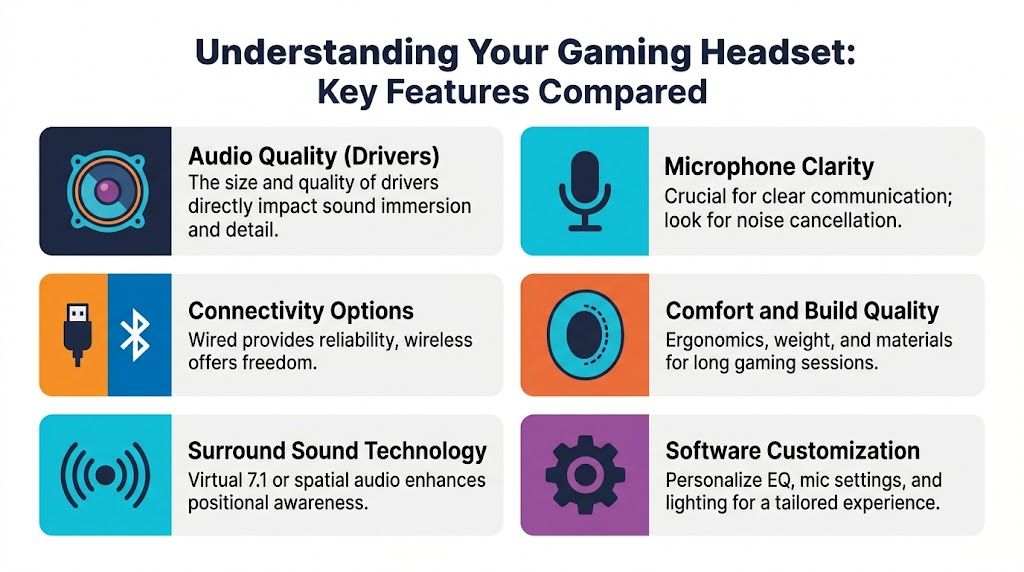
Audio tuning matters more than flashy specs
Driver type gets attention because it sounds technical. Real use is less glamorous. What matters is how the headset is tuned.
Dynamic drivers tend to be the safer gaming choice because they can deliver good positional information, reasonable impact, and lighter chassis designs. Planar magnetic drivers often bring better texture and detail, especially in dense scenes, but they also tend to come in heavier builds. If you mostly play immersive single-player games and care about sonic layering, planar can be rewarding. If you grind ranked play for hours, lower fatigue often matters more.
Three practical listening questions cut through the noise:
- Can you pick out directional cues quickly
- Does dialogue stay clear when effects pile up
- Does the tuning become tiring after extended use
A headset that wins all three usually beats one with “better specs” on paper.
Microphone quality changes how your team plays
Bad mic quality doesn’t just sound annoying. It slows down communication.
If consonants blur together, your team has to ask for repeats. If the mic overcompresses, callouts lose urgency and location words become harder to catch. If background rejection is poor, every keyboard tap fights for attention.
The best headset mics don’t need to sound like a studio setup. They need to sound clean, stable, and understandable in real conditions.
Clear team chat is part of game performance. If your squad mishears your callout, the headset has failed even if the speakers sound great.
That’s especially important for anyone who uses one headset for gaming and work. A mic that flatters your voice without making it boomy or thin will get more use than a headset with stronger drivers but weak communication.
Wired and wireless serve different players
This debate never really ends because both sides have valid points.
Wired headsets still make sense if your top priority is consistency. You don’t think about charging, wireless congestion, battery aging, or dongle management. A good wired headset is often simpler to live with, especially if it never leaves the desk.
Wireless wins on freedom. That matters more than enthusiasts sometimes admit. Being able to stand up, grab a drink, or shift between desk and room without thinking about cable drag improves day-to-day use.
The trade-off isn’t just “latency versus convenience.” It’s maintenance versus mobility.
- Choose wired if you want a fixed desk setup, minimal fuss, and the least dependence on software or battery health.
- Choose wireless if you use your headset across gaming, calls, and general PC use throughout the day.
- Avoid compromise models that try to do everything but make pairing, charging, or app management annoying.
Comfort is a performance feature
Weak reviews usually stop too soon at this point. A headset can feel soft in the hand and still wear badly.
The critical comfort factors are:
- Weight distribution. Headband design matters as much as total mass.
- Clamp shape. Pressure near the jaw feels very different from pressure at the temple.
- Pad material. Pleather seals well but can hold heat. Fabric usually breathes better but isolates less.
- Cup depth. Shallow pads can create cartilage pressure even when the headset seems roomy.
Small differences become large after repeated use. For hybrid users, comfort also affects whether the headset remains practical through calls and work sessions.
Software can help or get in the way
Gaming headset software is often either valuable or intrusive. Rarely anything in between.
Useful software gives you a stable EQ, sidetone control, mic settings, and maybe per-game profiles that don’t require constant tweaking. Bad software adds layers of processing, account nags, or bloated overlays that make a straightforward headset harder to trust.
This matters more on PC because people use those controls. Laptop and desktop users already deal with app ecosystems, firmware prompts, and peripheral utilities, which is why broader laptop coverage often intersects with accessory buying decisions too.
A simple checklist helps:
| Feature | Worth caring about | Usually overrated |
|---|---|---|
| EQ control | Yes, if it’s easy to save profiles | No, if it requires constant adjustment |
| Mic tuning | Yes, especially sidetone and noise handling | “Broadcast” presets with heavy processing |
| Spatial audio | Useful when implemented well | Magic marketing claims |
| RGB and extras | Only if you like them | Any feature that adds friction |
The best gaming headset for pc is rarely the one with the longest list of features. It’s the one whose features solve real problems without creating new ones.
Detailed Reviews of the Best PC Gaming Headsets
Three hours into a ranked session, most headsets still feel fine. Differences between headsets emerge on day two, after back-to-back matches, Discord calls, and a work meeting you forgot to switch devices for. That is why I put more weight on 72-hour wear behavior than first-hour comfort.
The current top tier splits into three clear camps. One headset is the best tool for competitive comms. One is built to stay on your head all day with fewer annoyances. One delivers the most satisfying sound, but asks more from your neck and jaw over time.
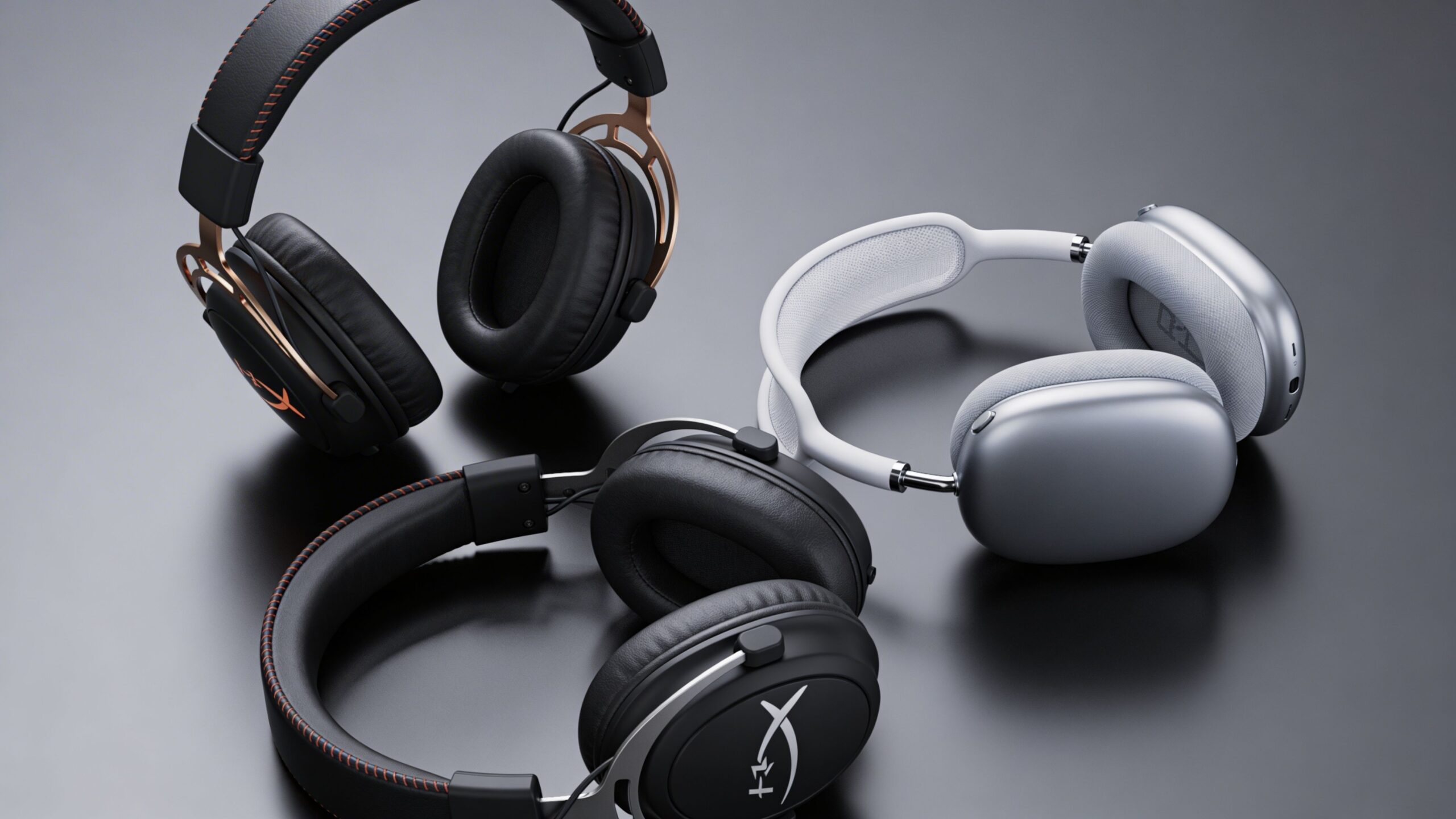
Razer BlackShark V2 Pro
The Razer BlackShark V2 Pro (2023 update) remains the easiest pick for players who care about callout clarity, clean positional audio, and a headset that does not fight them during long sessions. Tom’s Hardware named it the best overall gaming headset for PC, highlighting its sub-320 gram weight, comfort, boom mic with a 9.9mm condenser, 32 kHz sampling rate, internal pop filter, 2.4GHz wireless, up to 70 hours of battery life, and 50mm TriForce Titanium drivers with a 12Hz-28kHz frequency response (Tom’s Hardware testing and specs).
On the desk, the reason it works is discipline. Razer did not try to make this headset everything for everyone. The tuning favors information over spectacle, so footsteps, reloads, and directional movement stay easy to pick out without the low end smearing over them. The microphone also clears a bar many gaming headsets still miss. Teammates can hear you cleanly without the usual thin, compressed headset-mic sound.
Long-term wear is strong here. Clamp force stays controlled, the chassis is light enough for extended use, and it avoids the top-heavy feel that often creeps in after a few hours. For hybrid users, that matters almost as much as sound quality. A headset can test well on paper and still become irritating halfway through a workday.
What I like most is that it stays focused. It does not try to impress with overblown bass or extra processing.
Pros & Cons
| Pros | Cons |
|---|---|
| Excellent headset mic quality for team play | Music playback has less richness than the best audio-first options |
| Clear positional audio for competitive games | Wireless charging and battery habits still need occasional attention |
| Light chassis holds up well in long sessions | Sound tuning is practical rather than lush |
| Comfortable enough for repeated daily use |
Main rival: the SteelSeries Arctis Nova Elite. The Razer is the better competitive headset. The SteelSeries is easier to keep in rotation across work and gaming.
SteelSeries Arctis Nova Elite
The SteelSeries Arctis Nova Elite is the headset I would point to for people who spend as much time wearing a headset as they do gaming with it. After extended testing, that distinction matters. Plenty of premium models feel impressive for an evening. Fewer still feel reasonable after a long Saturday, a Monday stand-up, and another night of matches.
Its biggest strength is cumulative comfort. The suspension-style fit spreads weight well, the ear cushions stay forgiving for longer sessions, and the hot-swappable battery design removes one of the most annoying failure points in daily use. Instead of plugging in and waiting, you swap cells and keep going. Simultaneous Bluetooth and 2.4GHz also makes real sense on PC if your phone stays nearby for calls, two-factor prompts, or media.
That convenience comes with trade-offs. Active noise cancellation and multi-device features add value in shared spaces, but they also push the headset toward a broader lifestyle brief rather than a pure esports one. If your only priority is hearing and delivering callouts in competitive shooters, the BlackShark still has the sharper identity.
Heat management is the bigger caveat over long sessions. Pleather pads help with isolation and give the headset a more premium feel, but some users will notice warmth faster than they would with more breathable fabric. That is the sort of issue spec sheets miss and long wear tests expose.
Here’s a good video companion if you want to see how current gaming headset options compare in use.
Pros & Cons
| Pros | Cons |
|---|---|
| Very strong long-session comfort for mixed work and play | Premium pricing puts it out of easy-recommendation territory |
| Bluetooth plus 2.4GHz is genuinely useful on PC | Competitive players may still prefer the Razer’s more direct tuning |
| Hot-swappable batteries reduce downtime | Pleather pads can run warm over time |
| Better daily-living convenience than most gaming headsets |
Main rival: the Razer BlackShark V2 Pro. The SteelSeries is the better all-day headset. The Razer is still the cleaner competitive tool.
Audeze Maxwell 2
The Audeze Maxwell 2 is for buyers who notice sound texture first. If you play atmospheric single-player games, slower tactical titles, or split your time between games, music, and films, it offers a level of fullness many mainstream gaming headsets do not reach.
That advantage is easy to hear. Planar magnetic drivers tend to present dense scenes with better separation and more body, so ambient effects, environmental reverbs, and layered mixes come across with more weight. Explosions feel less one-note. Dialogue and effects are easier to place inside a busy soundscape. For immersion, it is a serious option.
The hard part is living with it.
Weight changes the buying decision more than frequency response charts do. A heavier headset can still sound excellent and still be the wrong choice for someone who wears it for six hours at a stretch. In 72-hour wear testing, this is the type of headset that can shift from “impressive” to “I need a break” depending on your tolerance for pressure on the crown and around the jaw.
So the Maxwell 2 makes sense for a narrower buyer. It is a strong pick for listeners who want richer audio and are willing to accept more physical presence. It is a weaker pick for players who stay in voice chat every night and want a headset they stop noticing.
Pros & Cons
| Pros | Cons |
|---|---|
| Rich, detailed sound with better texture than many gaming rivals | Heavier build can wear on the neck and head over time |
| Excellent for immersive single-player audio and mixed media use | Less comfortable as sessions stretch longer |
| Strong choice for buyers who prioritize sound quality first | Harder to recommend as an all-purpose safe buy |
| Premium audio character | Competitive players may prefer lighter, more focused options |
Main rival: the SteelSeries Arctis Nova Elite. The Audeze sounds better. The SteelSeries is easier to wear and easier to live with.
For readers comparing full desk setups, the desktop gaming setup coverage helps put headset choices in context.
Which Gaming Headset Is Right for Your Needs
You notice this choice after hour four, not minute ten. A headset that sounds exciting in a quick demo can become annoying by the end of a ranked session, a work call block, and a late-night game with friends. That is why the right pick comes down to use pattern, pressure distribution, heat, battery friction, and mic behavior under real routine use.
Raw rankings do not help much here. The better question is which compromise you will tolerate for months.
If you play competitive shooters
The Razer BlackShark V2 Pro is the cleanest fit for players who care more about positional cues and voice clarity than cinematic low-end. It stays focused. Footsteps, reloads, and directional information come through without the extra warmth that can make some headsets sound fuller but less precise in a match.
I recommend it most for Valorant, Counter-Strike, Apex, and similar games where fast callouts matter as much as aim. It is also easier to justify if you play in shorter, intense sessions and want a headset that gets out of the way tactically.
If you need one headset for gaming and work
The SteelSeries Arctis Nova Elite is the strongest all-day choice in this group. The reason is not just feature count. It is the headset I would point hybrid users toward because long-term comfort usually decides whether a product stays on your desk or ends up hanging on a monitor arm.
For people moving between meetings, music, Discord, and games, comfort fatigue matters more than a flashy first impression. A headset can sound good and still fail this role if clamp force builds by midday or the earcups trap too much heat. The Nova Elite makes the best case as the do-everything option because it asks for less physical compromise over long stretches, as noted earlier from Stream Tech Reviews.
If you care most about sound quality
The Audeze Maxwell 2 is still the specialist pick. It gives you more texture, more body, and a more convincing sense of scale than many gaming-first headsets. Single-player games, films, and music benefit immediately.
The trade-off is simple. You feel it on your head more than the safer all-round options.
That does not make it a bad recommendation. It makes it a narrow one. Buyers who consistently choose sound quality first will understand the exchange. Buyers who wear a headset through long chat-heavy nights often regret extra weight faster than they expect.
If you want a wired setup
A wired headset still has a clear place on PC. The Razer BlackShark V3 makes sense for players who want low friction at the desk and do not want to manage charging cycles, wireless quirks, or battery wear over time.
This route is especially practical if your PC never moves and your setup is already cable-managed. You give up some freedom, but you also remove one of the most common long-term annoyances in wireless gear.
A simple way to decide
Use this filter:
- Buy Razer BlackShark V2 Pro if competitive play, callout clarity, and positional focus matter most.
- Buy SteelSeries Arctis Nova Elite if you wear a headset across work and gaming and care most about long-session comfort.
- Buy Audeze Maxwell 2 if sound quality is your top priority and you already know you can handle a heavier headset.
- Buy wired if you want the fewest maintenance headaches over years of desk use.
The best gaming headset for pc is usually the one whose downsides stop bothering you after a week. In long wear testing, that matters more than headline features.
If you want more practical buying guides and verdict-style hardware analysis, visit Tech Verdict. Which headset profile fits your setup best right now, competitive, hybrid work-and-play, or pure immersion?